 10:09
10:09
Edit Videos with Claude: Final Cut Pro TutorialThe setup, start to finish
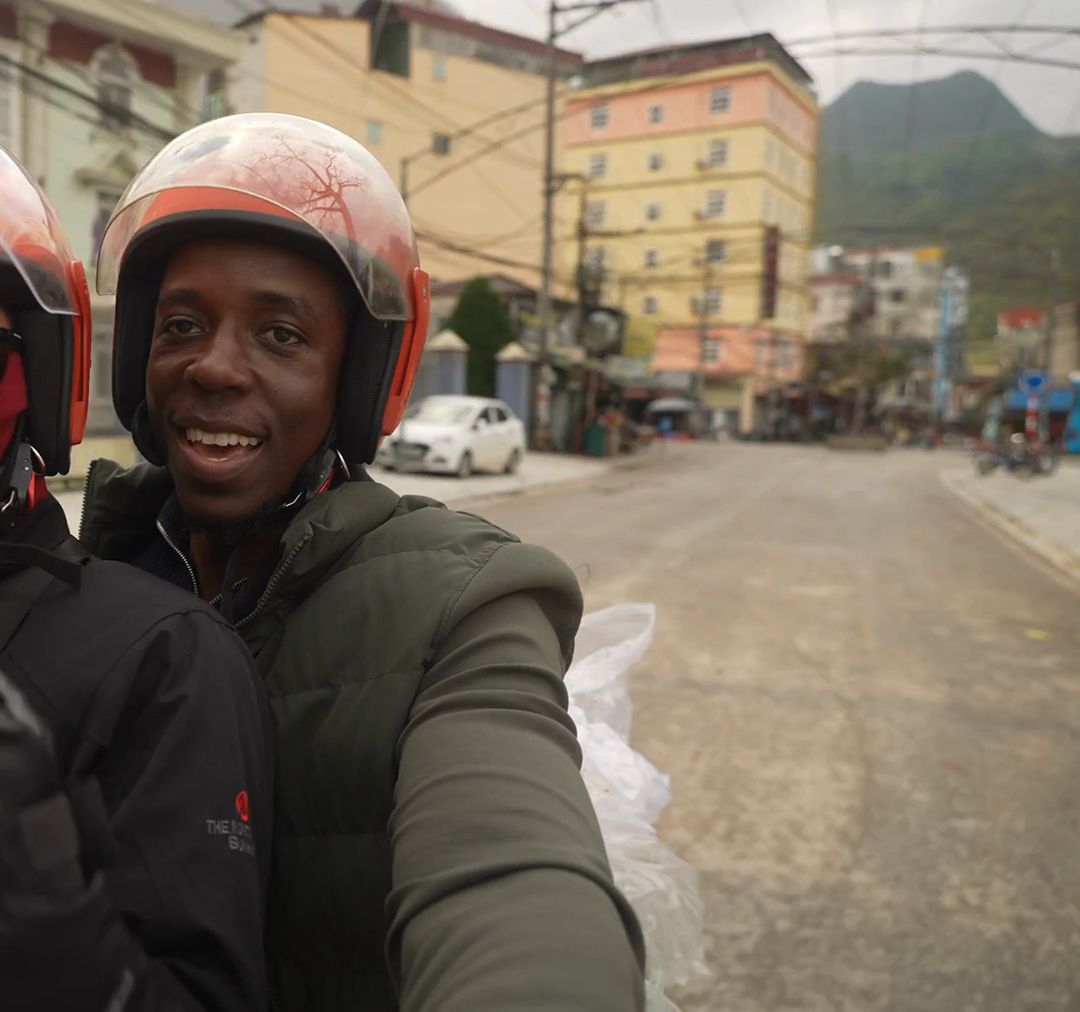
Hey, I'm TJ. I had 231 clips from Vietnam I was too intimidated to edit. These are the skill files I used to turn them into a film. They're free.
I'll email you when a skill changes, plus the Part 2 project files. The skills are free below either way.
Raw clips in, a finished film out. The same footage I couldn't face for nine months.
Skill files, free. The actual ones I run, not a cleaned-up rewrite.
Clips uploaded anywhere. Transcription and frame reading run on your Mac.
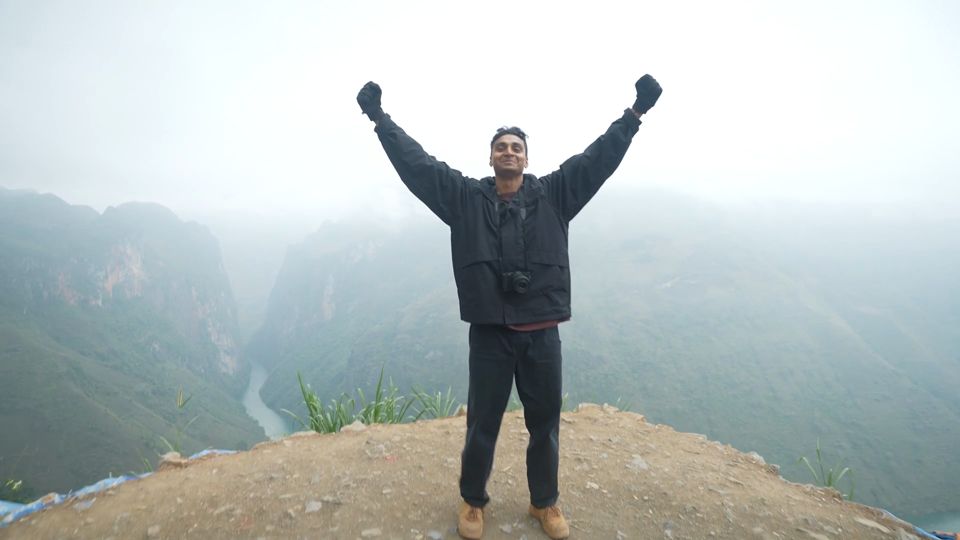
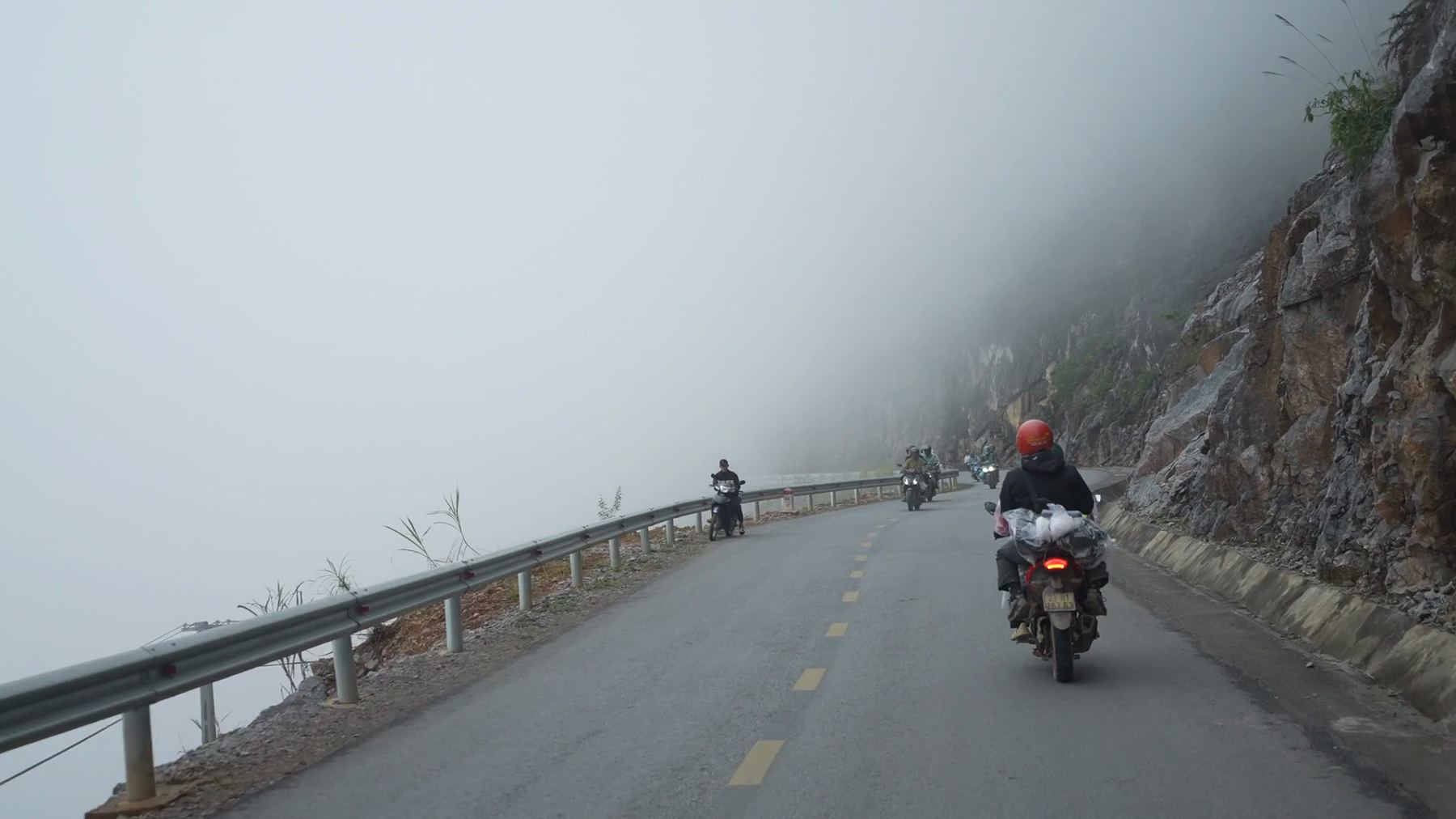
The tutorial walks through the whole setup. Part 2 is the real test: a full travel film from footage nobody had seen the end of.
10:09
 Coming soon
A skill is a prompt saved as a file. Claude Code loads it, and /edit appears. Paths and habits in them are mine; change them to yours.
Point it at a folder of clips. It reads every one, asks what the video is, then works toward a cut with you.
Checks its own render before you watch: clipped words, bad frames, music over voice. Comes with dialogue_audit.py.
To install one by hand, save it as .claude/skills/<name>/SKILL.md in the folder you open Claude Code from, then restart Claude Code.
/edit./finalcut. You get a Final Cut Pro project you can finish.Colour, music and the taste calls are still mine, and it makes mistakes you have to catch. It blamed the wind for audio we recorded indoors. The /video-review skill exists because of mistakes like that.
Plus the Part 2 project files when it's out. One email when there's something real, never more.